Office Suites
Shop Office Suites products from multiple suppliers.




About Office Suites
Office Suites: A Comprehensive Guide to Choosing the Right One for You
In today's digital age, office productivity is heavily reliant on efficient and effective software solutions. One of the most crucial software categories for any business or individual is an office suite. An office suite is a collection of productivity tools that includes word processing, spreadsheet, presentation, and other essential applications. In this blog post, we will explore the different office suite options available in the market, their features, and compatibility with various operating systems.
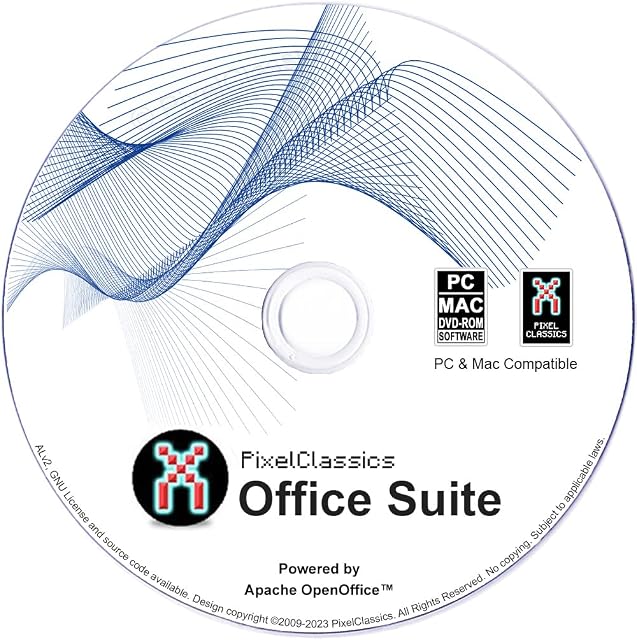
1. Office Suite 2022 Compatible with Microsoft Office:
This office suite is a powerful alternative to Microsoft Office, offering compatibility with multiple versions, including 2021, 2019, 365, 2020, 2016, 2013, 2010, and 2007. Powered by Apache OpenOffice, it is available for both Windows and Mac OS X. With a comprehensive set of features, this suite ensures seamless document compatibility and efficient workflow across different platforms.
2. Microsoft Office 365 Home:
The Microsoft Office 365 Home is a subscription-based office suite that offers a wide range of applications, including Word, Excel, PowerPoint, and more. With a license card for five users, this suite provides a one-year subscription for PC and Mac users. Microsoft Office 365 Home is a popular choice for families or small businesses that require multiple users to access the software simultaneously.
3. Microsoft Office Home and Business 2016:
This office suite, available for Mac users, provides a license key for Microsoft Office Home and Business 2016. It includes essential applications like Word, Excel, PowerPoint, and more. This version is suitable for individuals or businesses that prefer a one-time purchase rather than a subscription-based model.
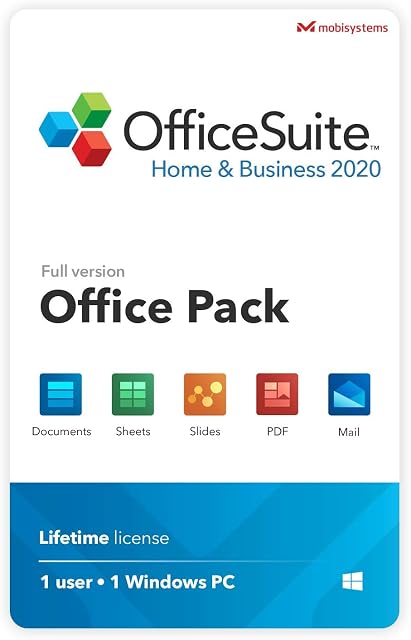
4. OfficeSuite Home & Business 2021:
OfficeSuite Home & Business 2021 is a lifetime license office suite compatible with Word, Excel, PowerPoint, and PDF files. With a focus on providing a comprehensive solution for both personal and business needs, this suite offers a wide range of features for creating, editing, and collaborating on documents. It is designed for Windows users who prefer a long-term software solution.
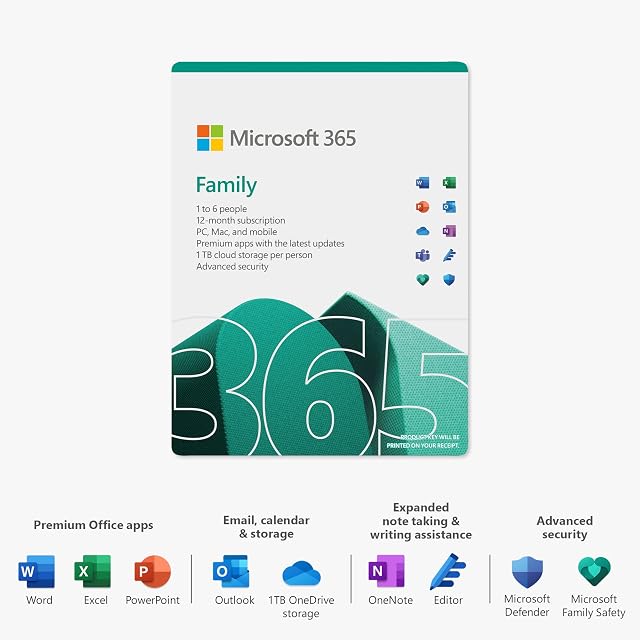
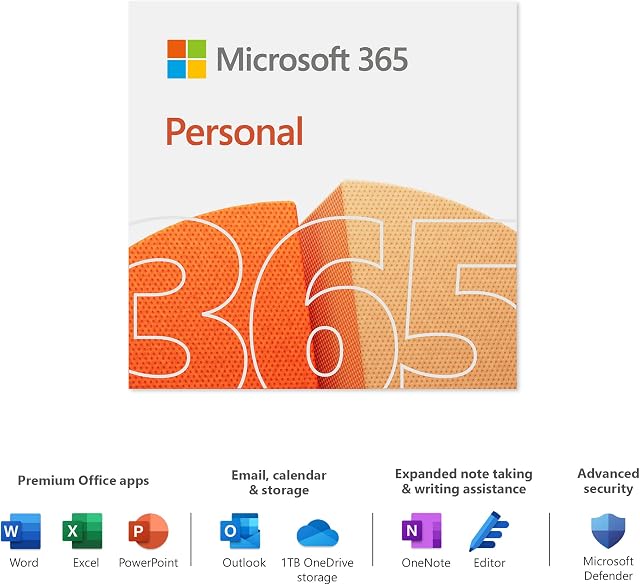
5. Microsoft 365 Family:
Microsoft 365 Family is a subscription-based office suite that offers access to Office 365 apps for up to six users. This suite provides a one-year subscription and is compatible with multiple PCs, Macs, tablets, and phones. With multilingual support and a user-friendly interface, Microsoft 365 Family is an excellent choice for households or small businesses with multiple devices.
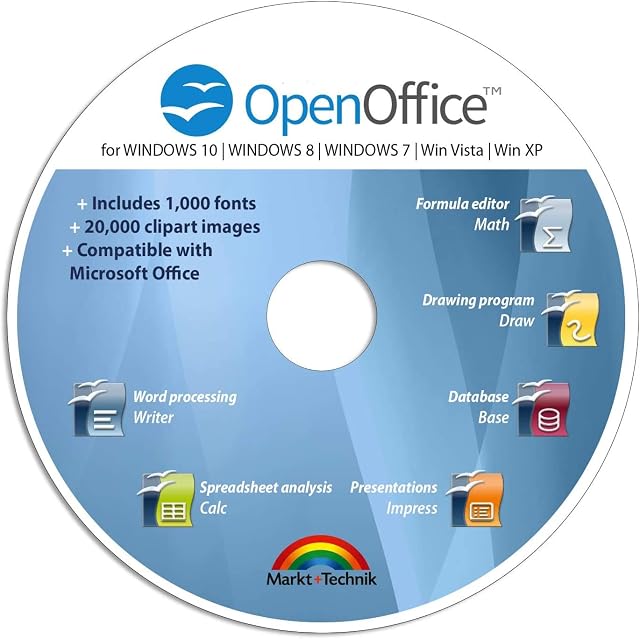
6. OpenOffice Premium Edition:
OpenOffice Premium Edition is a cost-effective alternative to Microsoft Office, compatible with Windows operating systems. It offers a wide range of features, including compatibility with Word, Excel, and PowerPoint files. With the inclusion of 1,000 new fonts and free email support, this suite provides a comprehensive solution for individuals and businesses looking for an affordable office suite.
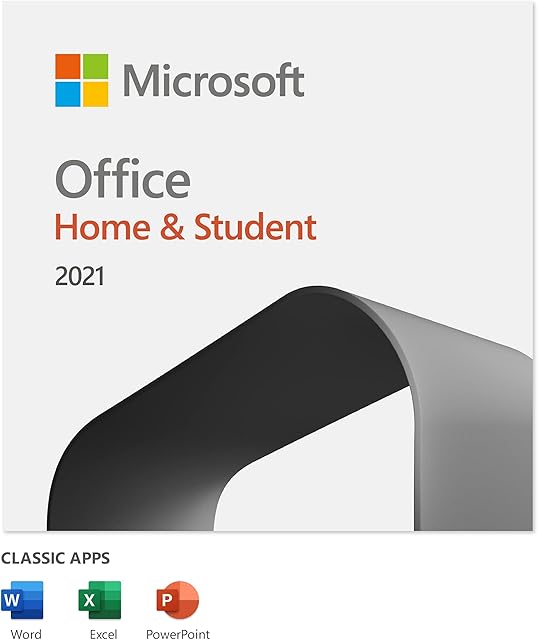
7. Microsoft Office Home and Student 2016:
This office suite offers a license key for Microsoft Office Home and Student 2016 for PC users. It includes essential applications like Word, Excel, PowerPoint, and more. With a focus on providing essential productivity tools, this suite is suitable for students or individuals who require a basic set of office applications.
Choosing the Right Office Suite for You:
When selecting an office suite, several factors should be considered:
1. Compatibility: Ensure that the office suite you choose is compatible with the operating systems you use, whether it be Windows, Mac, or both. Compatibility with different versions of Microsoft Office is also crucial to maintain seamless document compatibility.
2. Features: Evaluate your specific needs and consider the features offered by each office suite. Look for applications that are essential to your workflow, such as word processing, spreadsheet management, and presentation creation.
3. Pricing: Compare the pricing models of different office suites. Some suites offer one-time purchases, while others require subscription-based payments. Consider your budget and long-term software requirements when making a decision.
4. User Experience: Consider the user interface and overall usability of the office suite. Look for a suite that offers a user-friendly experience and intuitive tools that enhance your productivity.
Office suites are essential tools for businesses and individuals alike, providing the necessary productivity applications to streamline workflow and create professional documents. With the variety of options available, it is crucial to assess your needs and select an office suite that offers the right features, compatibility, and pricing model for your specific requirements. Whether you choose a Microsoft Office suite or an alternative like OpenOffice, the right office suite will significantly impact your productivity and efficiency.
More from Office Suites
More listings from Office Suites by experienced suppliers.