


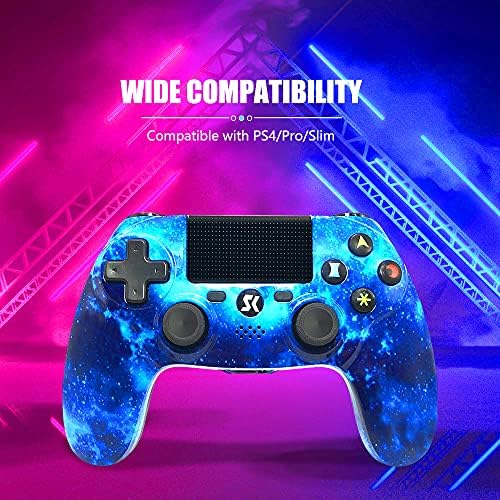

Wireless Controller for PS4, Blue Galaxy Series High Performance Dual Vibration Gaming Controller for Playstation 4 /Pro/Slim/PC with Audio Function, Touch Pad, Motion Control by Amazon.co.uk
Currently Unavailable
Description
Charge Efficiently with micro USB
Build-in Speaker
Wireless Control
Double Shock
High Precisive
How to connect without cable?
Connect the controller with your console by using the data cable, press the home button and then pull out the cable.
How to turn on/off ?
The wireless PS-4 controller will turn on when you press the round button or connect with computer by data cable. It will turn off when it has been disconnected for 5 minutes. If it stops working after a long time, please plug the data cable in computer and then pull it out, which makes it full of powe
r.
How to charge the PS-4 Gamepad ?
Connect the console to the PS-4 by the USB cable.
When charging, the orange light will flicker and extinguish; when fully charged, the orange light turns off.
Note: This is a Third-Party device for Sony Play-Station 4, not an original controller.
If the parcel you received is defective or you have other problems, please send message to us in your order page, we will provide the best service for you!
Related products to Wireless Controller for PS4, Blue Galaxy Series High Performance Dual Vibration Gaming Controller for Playstation 4 /Pro/Slim/PC with Audio Function, Touch Pad, Motion Control:


Explore other categories
Other products from Skins:


