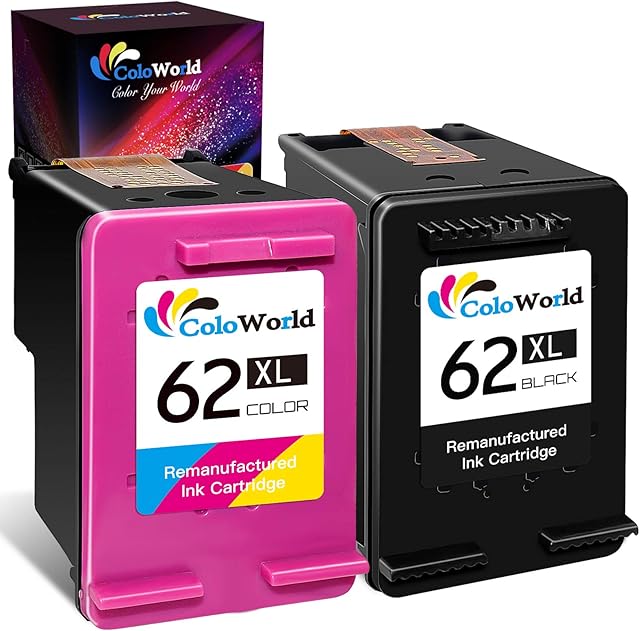
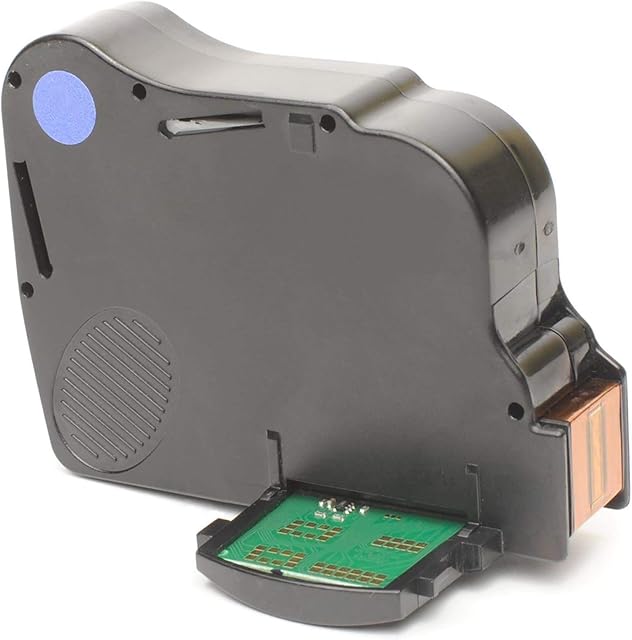
Yongairuink Compatible Inkjet Cartridge Replacement for CLI42 CL42 CLI-42 CLI 42BK 42C 42M 42Y 42GY 42LGY 42PC 42PM Work with -100-100S 100 100S (8 Pack) by Amazon.co.uk
Currently Unavailable
- • Compatibility Printers: (Non-OEM )Work with -100 -100S 100 100S
- • duced in good quality control with ISO9001 / ISO14001 certificate and Rohs Certified.
Description
Non Oem (8-Pack) 1x Black Inkjet Cartridge Replace for CLI-42 CLI42 CLI-42BK 1x Cyan Inkjet Cartridge Replace for Replace for CLI-42 CLI42 CLI-42C 1x Magenta Inkjet Cartridge Replace for CLI-42 CLI42 CLI-42M 1x Yellow Inkjet Cartridge Replace for CLI-42 CLI42 CLI-42Y 1x Photo Cyan Inkjet Cartridge Replace for CLI-42 CLI42 CLI-42PC 1x Photo Magenta Inkjet Cartridge Replace for CLI-42 CLI42 CLI-42PM 1x Grey Inkjet Cartridge Replace for CLI-42 CLI42 CLI-42GY 1x Light Grey Inkjet Cartridge Replace for CLI-42 CLI42 CLI-42GY
Compatible Printer list
Pixma Pro-100 Pro-100S
How to Use the Ink Cartridges Properly?
1)First, take off the plastic strip which marked "PULL", then remove the orange cover prior to use. 2) Please press 'OK' or 'Continue' button to go on print, when prompt 'Non-genuine ink cartridges installed 'or ' Used or counterfeit cartridges detected'. 3) Please wipe the chip with dry tissue and reinstall it, when prompt the "Cartridge cannot be recognised" or "Cartridge is damaged". 4) Please run the print head cleaning once or twice when first installing the ink cartridges to get a better printing result. 5) As most printer will upgrade its firmware aperiodically, it is suggested to use up the ink cartridges in 6 months.
Tips about printer
1) We advise not update the irreversible firmware. 2) It's suggested to keep your printer on if you often use it, as most printers start print head cleaning automatically when reset, which will waste inks. 3) If your printer isn't used frequently, you can turn it off. But it's suggested to switch on it weekly to protect the print head from clogging. 4) if you get error messages or printer not recognised messages we suggest removing all the ink cartridges, turning off the printer and then reinsert the cartridges again after a few minutes
Product information
- Brand:Yongairuink
- Ink colour:Magenta, Black, Cyan, Yellow
- Page yield:170
- Compatible devices:Printer
- Compatibility options:Compatible
- Colour:BK C M Y PC PM LGY GY
- null:5 Years
- Compatible Printer Models:Canon PIXMA PRO-100
Related products to Yongairuink Compatible Inkjet Cartridge Replacement for CLI42 CL42 CLI-42 CLI 42BK 42C 42M 42Y 42GY 42LGY 42PC 42PM Work with -100-100S 100 100S (8 Pack):


Explore other categories
Other products from Inkjet Ink Cartridges: