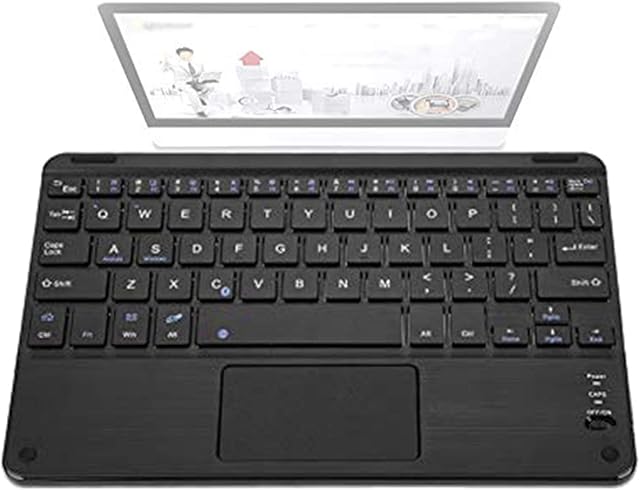
Description
How to Use the keyboard with your tablet: 1.Please fully charge the keyboard for 2 hours. 2.Turn on the keyboard and the power indicator light on 3s. 3.Press \u201cFn" "C\u201d together to enter pairing mode. The Paring Indicator will flash slowly with blue light. 4.Open the iPad Bluetooth and select \u201cBluetooth Keyboard\u201d, the indicator will turn off after successfully paired. 5, please check your tablet system and choose right keyboard system. A,Press "FN" "Q" together if you connect Android device,to enter the operating keyboard of Android system; B,Press "FN" "W" together if you connect Window device,to enter the operating keyboard of Window system; C, Press "FN" "E" together if you connect IOS device,to enter the operating keyboard of IOS system; 6. After you choose right keyboard system, the keyboard can work well now.


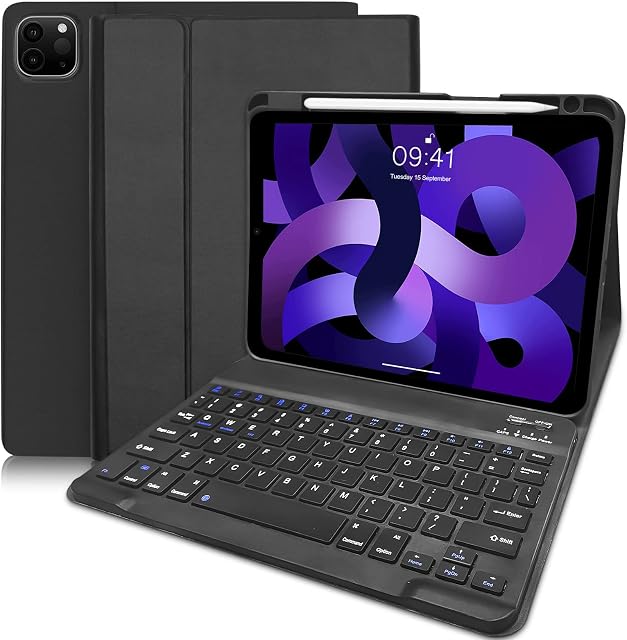

![Maledan Case for iPad Air 2022 / iPad Air 5th Generation with Pencil Holder, Soft TPU Back Fit for 10.9 Inch iPad Air 4th Generation,[Support Pencil 2nd Charging] Auto Sleep/Wake- Matcha Green](https://m.media-amazon.com/images/I/61ezRAp2MsL._AC_SL640_.jpg)