Description
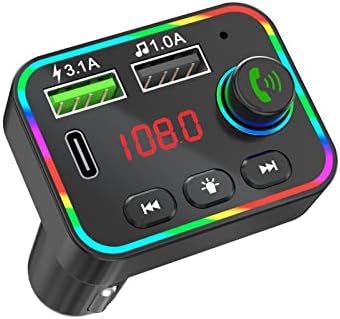
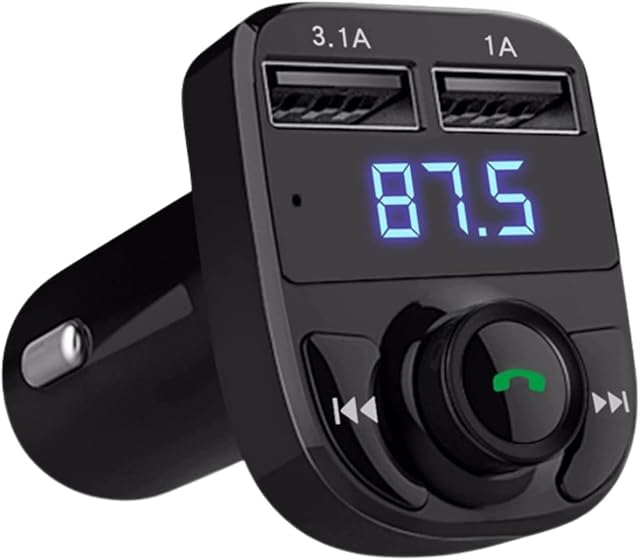
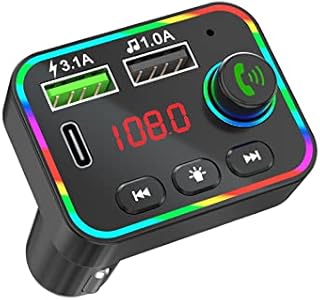
Kindly Note: It will sometimes pick up static please try to unplug and leave for a while and that does the trick. \xa0Specifications: \xa01.Bluetooth hands-free call USB/PD port with charging function 3.1A;\xa02.Echo cancellation and noise processing during a call;\xa03.Stereo Bluetooth and FM transmission technology;\xa04.Support USB/TF card/Bluetooth function;\xa05.Support MP3/WMA format music;\xa06.Automatic power-off memory function;\xa07.Cigarette lighter power supply: DC12V-24V voltage power supply;\xa08.Bluetooth version 5.0 FM transmitting frequency: 87.5~108Mhz;\xa09.Automotive voltage detection;\xa010.Colorful ambient light display on panel shellHow to use: \xa01. \xa0Turn on the radio on the car and tune to a free frequency (ie a frequency where there is no broadcast)\xa02. \xa0Insert the product into the car cigarette lighter socket, and set the product frequency to be the same as the frequency of the radio just now\xa03. \xa0Plug the FM transmitter into your car cigarette lighter socket for power; \xa04. \xa0Find an empty station and keep the FM transmitter and car FM radio at the same frequency. FM channels 87.5 MHz-108.0 MHz; \xa05. \xa0Activate your phone's bluetooth and select ''T25'' to connect. \xa06. \xa0Insert the memory card or U disk that downloaded the song into this machine, or search for the Bluetooth configuration of the product through the Bluetooth of the mobile phone\xa07. \xa0In this way, the machine can automatically play the music in the memory card or U disk or mobile phone\xa0Hands-Free Calls \xa0One click the MFB button to answer/redial/hang up or reject calls; Seamlessly switches between incoming calls and music. \xa0Voice Navigation