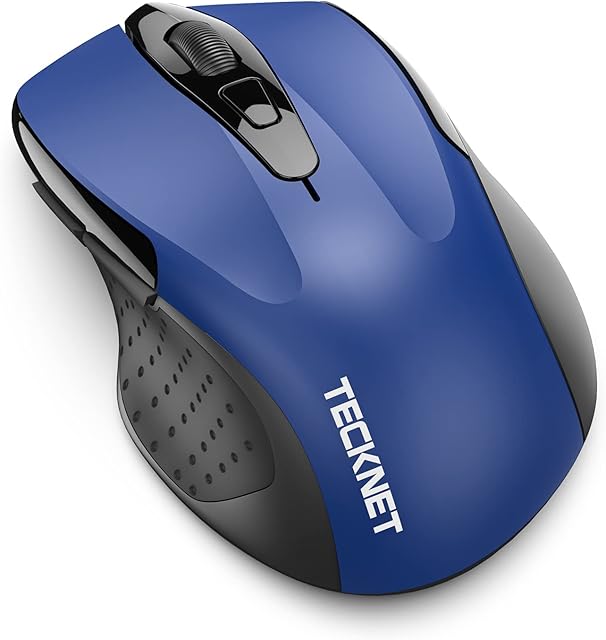


Ergonomic Mouse Wireless, Bluetooth 4.0+2.4G USB+Type C Mice Multi Device, Rechargeable Optical Vertical Mouse against RSI Syndrom, Silent Clicking 1000-1600-2400 DPI for PC Laptop Computer by Amazon.co.uk
- • One Mouse for Multiple Devices: One Mouse can be connected up to THREE devices. Three Connecting ways: Bluetooth 4.0, 2.4GHz USB dongle and USB C(Type C) dongle. Press the mode switch button at the back of mouse to get the mode you want.(Please Note: One press can only switch mode once).
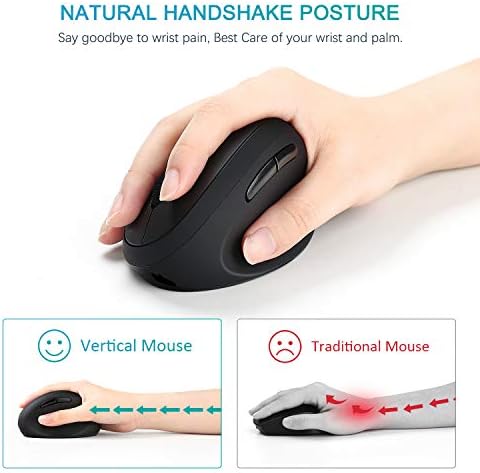
- • Ergonomic Design: The shape of the vertical mouse prevents your wrist from twisting and promotes healthy, neutral “handshake” wrist and arm positions for smooth movements and less wrist strain. which is very suitable for preventing carpal tunnel syndrome. Recommended for users with repeated stress injuries and those who work long at computer.
- • Rechargeable Wireless Mouse: Equipped in a 300 mAh Li-ion rechargeable battery, this wireless Bluetooth mouse can be charged by a usb charging cable and be used for 1 month for 1-2 hours fast charging. (please charge the mouse when the mouse is turned on)
- • Sensitive and Durable: 3 DPI values: 1000-1600-2400. You can adjust it by the DPI button. The Ergo mouse can bear more than 3 million times clicks that ensure smooth tracking, accurate sensitivity, and effortless scrolling.
- • Wide Compatibility: Works on Bluetooth devices Windows 8, Windows 10, Mac OS X 10.10 or above, Android 4.3 or above and devices with usb ports and type C ports Windows XP / 7 / 8 / 10, Mac OS X 10.10 or above.
- • Free Warranty: We offer 1 year warranty for this wireless ergo mouse. Replacement and refund service is offered. Please do not hesitate to contact us via Amazon.
Compare Ergonomic Mouse Wireless, Bluetooth 4.0+2.4G USB+Type C Mice Multi Device, Rechargeable Optical Vertical Mouse against RSI Syndrom, Silent Clicking 1000-1600-2400 DPI for PC Laptop Computer with other products:


Description
Bluetooth 4.0 connection:
Turn on the mouse
Press mode switch button till “BT” white light is on
Long press the “ connect” button for 3-5 seconds until the white light flashes quickly.
Open the bluetooth function of your PC, then you will find “ BT4.0+2.4G mouse” device, then click”pair”. The mouse will be connected successfully.
Wireless connection with USB receiver:
Turn on the mouse
Press mode switch button till “USB” white light is on
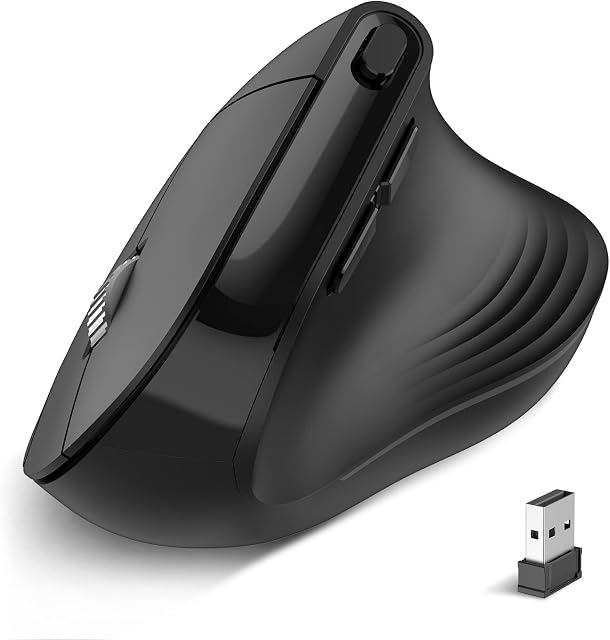
Open the battery cover and take out the usb receiver out
Plug the usb receiver into the usb port of PC, then the mouse will be connected automatically.
Wireless connection with Type C receiver:
Turn on the mouse
Press mode switch button till “type c” white light is on
Open the battery cover and take out the type c receiver out
Plug the type c receiver into the usb port of cellphone or laptop etc, then the mouse will be connected automatically.
Wireless Bluetooth Ergonomic Mouse
Ergonomic Design:
Different from the traditional mouse, It fits well in your hand and prevents your wrist from twisting. It allows you to grip it in a comfortable way to prevent possible mouse arms or tennis elbows (RSI syndrome). It is good for people who keep working at computer for long time.
One Mouse for Multi-purpose:
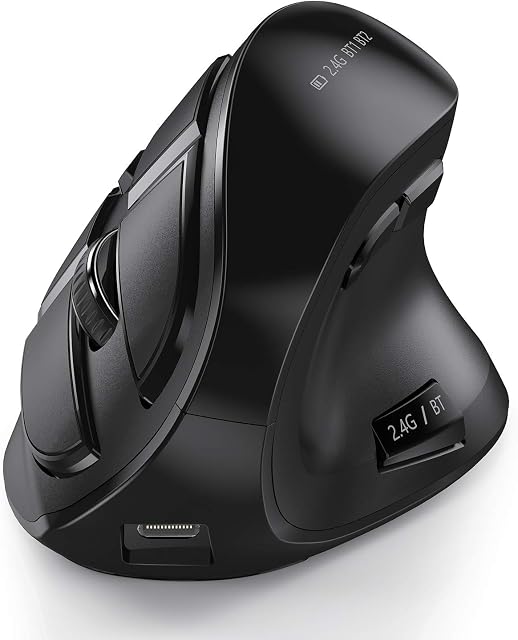
This mouse connects to 3 devices via Bluetooth 4.0 + 2.4G USB receiver+ Type C receiver simultaneously. The mode switch button is at the back of this wireless mouse. With corresponding indicators around it to let you know which connection mode you are using.(Please Note: One press can only switch mode once).
Features:
One mouse for 3 devices, easy switch
Ergonomic Design
Forward and backward button
Rechargeable
3 adjustable DPI
Quiet Clicking(left and right buttons)
Wide Compatibility
| | | | ||||||
|---|---|---|---|---|---|---|---|---|
| Forward & Backward button The forward & back button offers remarkable convenience when surfing the Internet. It enable you to operate faster and more efficiently. But please noted that the forward and Backward buttons do not work on Mac OS. | Rechargeable Wireless Bluetooth Mouse With built-in rechargeable battery which means you do not need change AAA/AA batteries any more. (while charging, power indicator light turns blue, then be off when fully charged), Low power, the red light will flash. | 3 Adjustable DPI Values 1000-1600-2400 3 level DPI, you can adjust it via the DPI button on the top of this wireless mice. Easy to set up. ((red indicator will flash once when switch one DPI level)
|