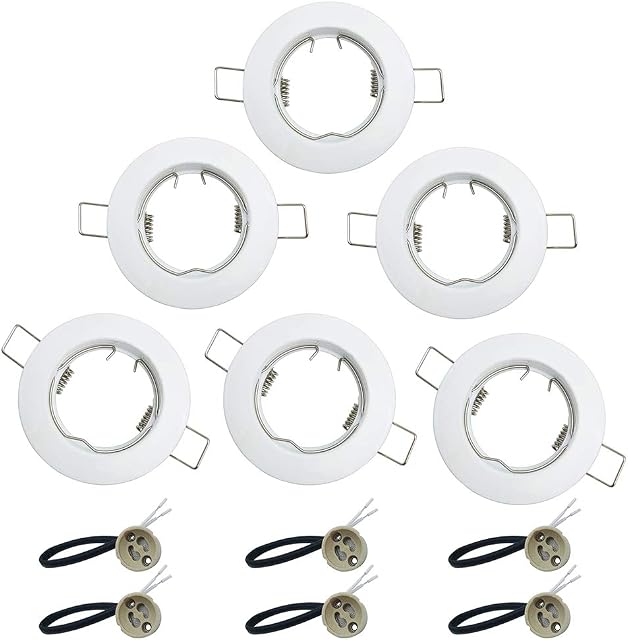
Aigostar Smart Downlights for Ceiling, Recessed Downlights, 9W LED Downlights Ceiling, Smart Spotlights Ceiling Lights Alexa Google Home Compatible, 3000K-6500K Adjustable LED Recessed Ceiling Lights by Amazon.co.uk
Description
You can program the on/off time to suit your needs, to wake you up or welcome you home.
Compatible with Alexa and Google Assistant. Use simple conversations to control lights
Brightness from 10% to 100%
This LED ceiling light offers brilliant light with 1300 lumens and high luminous efficiency. It is constructed with flicker-free LED chips and shines evenly, providing soft light without harming the eyes.
Controlled by APP
Download and connect to the AigoSmart APP, follow the user manual to pair your new Aigostar device. After completing the installation procedure, you can start controlling the bulb via the APP on your phone.
Device Network Settings
1. Search for 'Aigosmart' on your phone or scan the QR code on the user manual/package to download it.
2. Make sure your Wi-Fi is 2.4 GHz. Turn the bulb on and off 3 times to switch to easy mode (recommended).
3. Click "+" in the top right corner and select "Lighting" on the left, then go to "Lighting" on the page.
4. Choose local Wi-Fi, enter the correct password and confirm.
Tips for connecting to the Aigosmart application
1. Download the correct 'Aigosmart' application by scanning the QR code on the package.
2. Make sure to use 2.4 GHz Wi-Fi to connect to the smart bulb.
3. EZ mode is recommended for connection; if you cannot connect using EZ mode, switch to AP mode.
4. Make sure to enter the correct Wi-Fi password.
How to authorise Alex to use AigoSmart
1. Download the aigosmart app and alexa.
2. Log in to aigosmart and authorise alexa.
3. Open alexa to add a device.
4. You can set a short device name for easy identification
How to authorise Google Home to use AigoSmart
1.Open the Google Home APP, click on Configure Device
2.Enter AigoSmart as a search
3. Go to the authorisation interface on the web page
4.Enter AigoSmart account and password for confirmation
How to authorise Google Home to use AigoSmart
Tips for connecting to the Aigosmart application
How to authorise Alex to use AigoSmart
How to authorise Google Home to use AigoSmart
Product information
- Brand:Aigostar
- Style:Adjustable
- Light fixture form:Ceiling
- Room type:Living Room
- Product dimensions:14.5L x 14.5W x 2.6H centimetres
- Manufacturer:Aigostar
- Product Dimensions:14.5 x 14.5 x 2.55 cm; 260 Grams
- Special features:Energy Efficient
- Shade Colour:warm white
- Power and Plug Description:Corded Electric
- Switch Installation Type:Ceiling Mount
- Batteries Required?:No
- Type of Bulb:LED
- Wattage:9 watts
- Item Weight:260 g
- Guaranteed software updates until:unknown
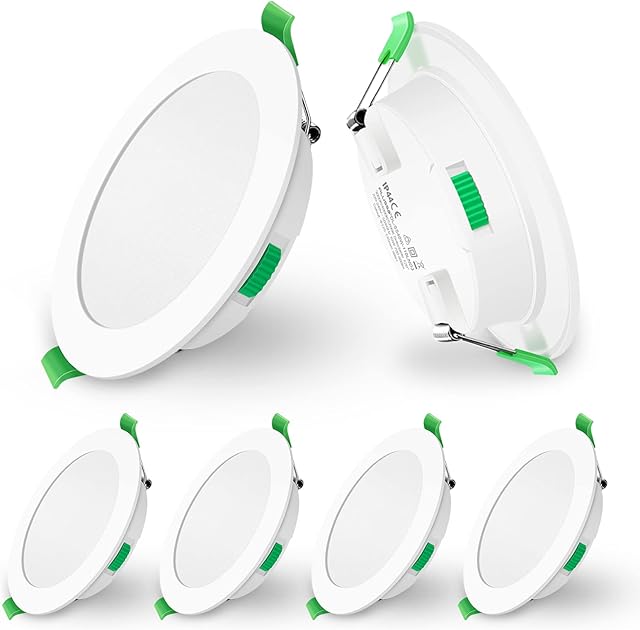
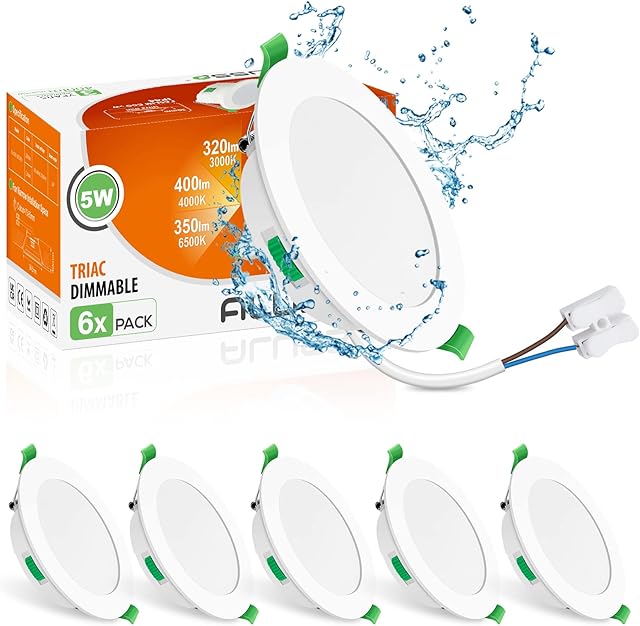
Related products to Aigostar Smart Downlights for Ceiling, Recessed Downlights, 9W LED Downlights Ceiling, Smart Spotlights Ceiling Lights Alexa Google Home Compatible, 3000K-6500K Adjustable LED Recessed Ceiling Lights:


Explore other categories
Other products from Ceiling Spots:

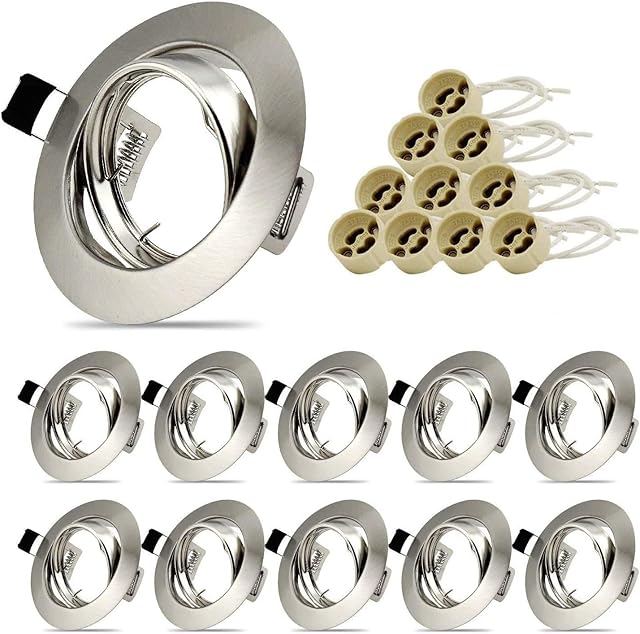
![MiniSun Modern Polished Copper 6 Way Adjustable GU10 Ceiling Spotlight - Complete with 5w LED Bulbs [3000K Warm White]](https://m.media-amazon.com/images/I/71kYIM7Yx3L._AC_SL640_.jpg)