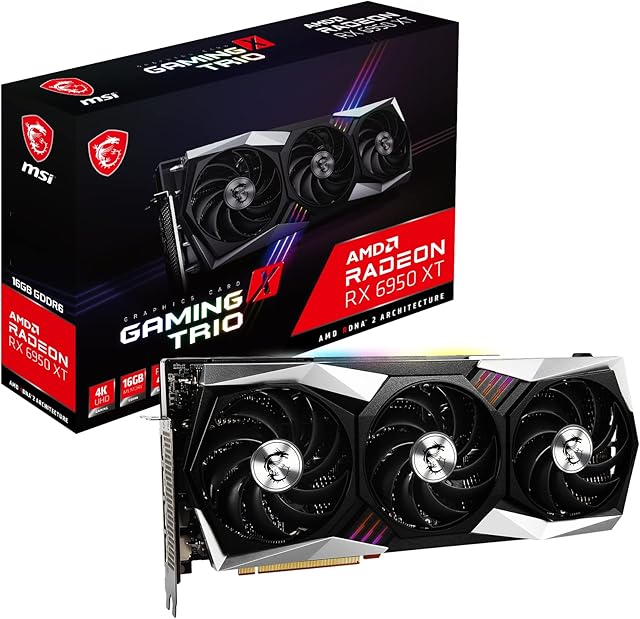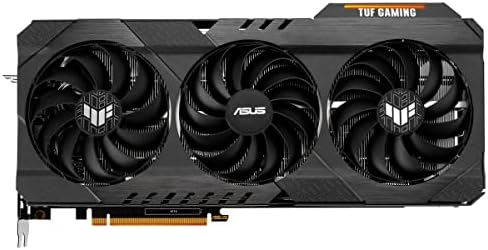


ASUS Radeon RX 6900 XT TUF O16G, 16384 MB GDDR6 90YV0GE0-M0NM00 by Amazon.co.uk
- • RX 6900
- • 16 GB GDDR6
- • PCIe 4.0
- • HDMI, DisplayPort
- • AMD Infinity Cache Raytracing
Compare ASUS Radeon RX 6900 XT TUF O16G, 16384 MB GDDR6 90YV0GE0-M0NM00 with other products:


Description
TUF-RX6900XT-O16G-GAMING
TUF GAMING Radeon RX 6900 is a truly tenacious performer
Troubleshooting steps
Check correct power connectors from PSU and adequate power to meet GPU requirements
Ensure card is seated properly in PCIe slot
Double check connectivity cables into the card and try alternative if available
Axial-tech fan design has been enhanced with more fan blades and a new rotation scheme.
Dual ball fan bearings can last up to twice as long as sleeve bearing designs.
An all-aluminium shroud, reinforced frame, and metal backplate enhance durability.
MaxContact heat spreader features a super flat surface for improved thermal transfer.
A 144-hour validation program puts cards through a series of stringent tests to ensure compatibility with the latest games.
A vented backplate prevents hot air from recirculating through the cooling array.
GPU Tweak II provides intuitive performance tweaking, thermal controls, and system monitoring.
| | | | ||||||
|---|---|---|---|---|---|---|---|---|
| BIGGER, BETTER COOLING This generation, our Axial-tech fan design has matured with an increased blade count on all three fans: 13 on the centre fan and 11 on the auxiliary fans. The barrier rings on the side fans have been slimmed down to allow for more lateral intake and to provide better airflow through the cooling array. The centre fan's extra blades and full-height ring provide boosted static pressure to blast air directly onto the GPU heat spreader. The fan design growth is specifically optimised for a massive new heatsink that features more fins and surface area than previous iterations. | QUIET CUNNING To bolster the specialized roles of the centre and auxiliary fans, the rotational direction of the centre fan is reversed. This reduces air turbulence inside the cooling array for another boost to overall thermal performance. Fans will also only start spinning when the GPU temperature hits 60 Celsius and shut off when temps drop below 55 Celsius, helping to reduce noise when the system is idling or under light load. | MaxContact To get heat up off the die and into the heatsink array, we've engaged MaxContact technology to polish the surface of the heat spreader and improve smoothness at the microscopic level. The extra flatness allows for better contact with the die for enhanced thermal transfer.
|